
One shop on your PC and your phone.
The counter bills on the Windows PC with the barcode gun and printer. The owner checks sales, collects udhar or bills a customer on the Android phone. Both show the same shop, because both sign in with the same Google account.
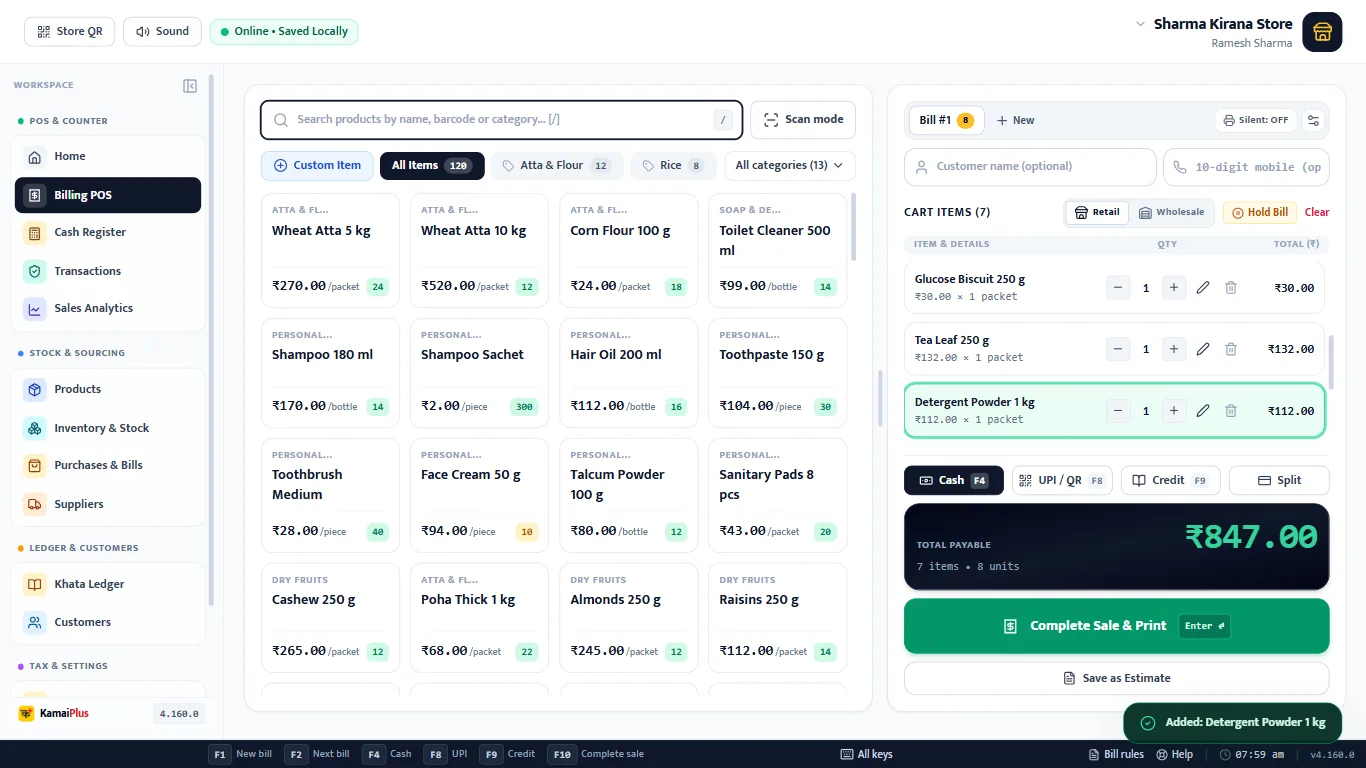
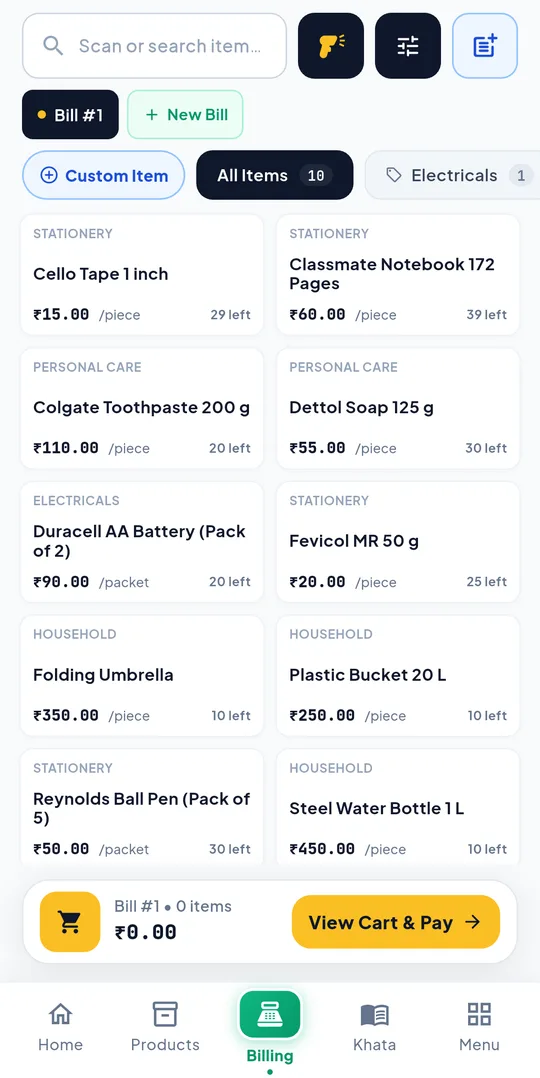
Connect once, then just work.
Start on either device
Sign up on the phone or on the PC with your Google account. The shop's items, bills and khata are kept on the device and copied to your shop's cloud account.
Sign in on the other one
On a new PC, KamaiPlus looks for your shop and shows "Existing Cloud Store Found". Tap Restore This Store and everything comes over.
Both stay in step
A bill on the phone shows on the PC, a payment taken at the counter shows on the phone. Each device keeps working without internet and catches up later.
The whole shop, not just the bills.
Everything the shop records on one device is there on the other.
- Items and pricesProducts, categories, variants and the business type you picked.
- Bills and returnsEvery sale, return and estimate, with its payment.
- KhataCustomers, udhar, part payments and settlements.
- Shop workExpenses, cash register shifts, suppliers and purchase orders.
Waiters on their own phones.
Add your staff in Settings → Staff. Each waiter gets a one-time code or QR to sign in on their Android phone. Running table and parcel orders are shared live between the waiters' phones and the counter PC, and the PC can print the kitchen slips sent from the phones. You see who is online, and remove a waiter with one tap.
What a waiter can and cannot do
- CanOpen a table, add dishes and notes, send the KOT.
- CannotTake payment, or see bills, cash, profit or your shop's settings. The tables are the waiter's only screen.
Questions about using both
How do I open my phone's shop on a PC?
Install KamaiPlus Desktop and connect the same Google account at sign-up. It finds your shop and shows Restore This Store; after that the PC and phone stay in step.
Does the PC stop working if the internet goes?
No. The PC and the phone each keep working offline. What was done on each device is shared when the internet is back.
Is cloud sync needed to use KamaiPlus?
No. KamaiPlus Desktop works fully on its own. Sync is only needed when the shop should open on more than one device.
Where the shared data is kept and who can see it: privacy policy.