- Home
- Help
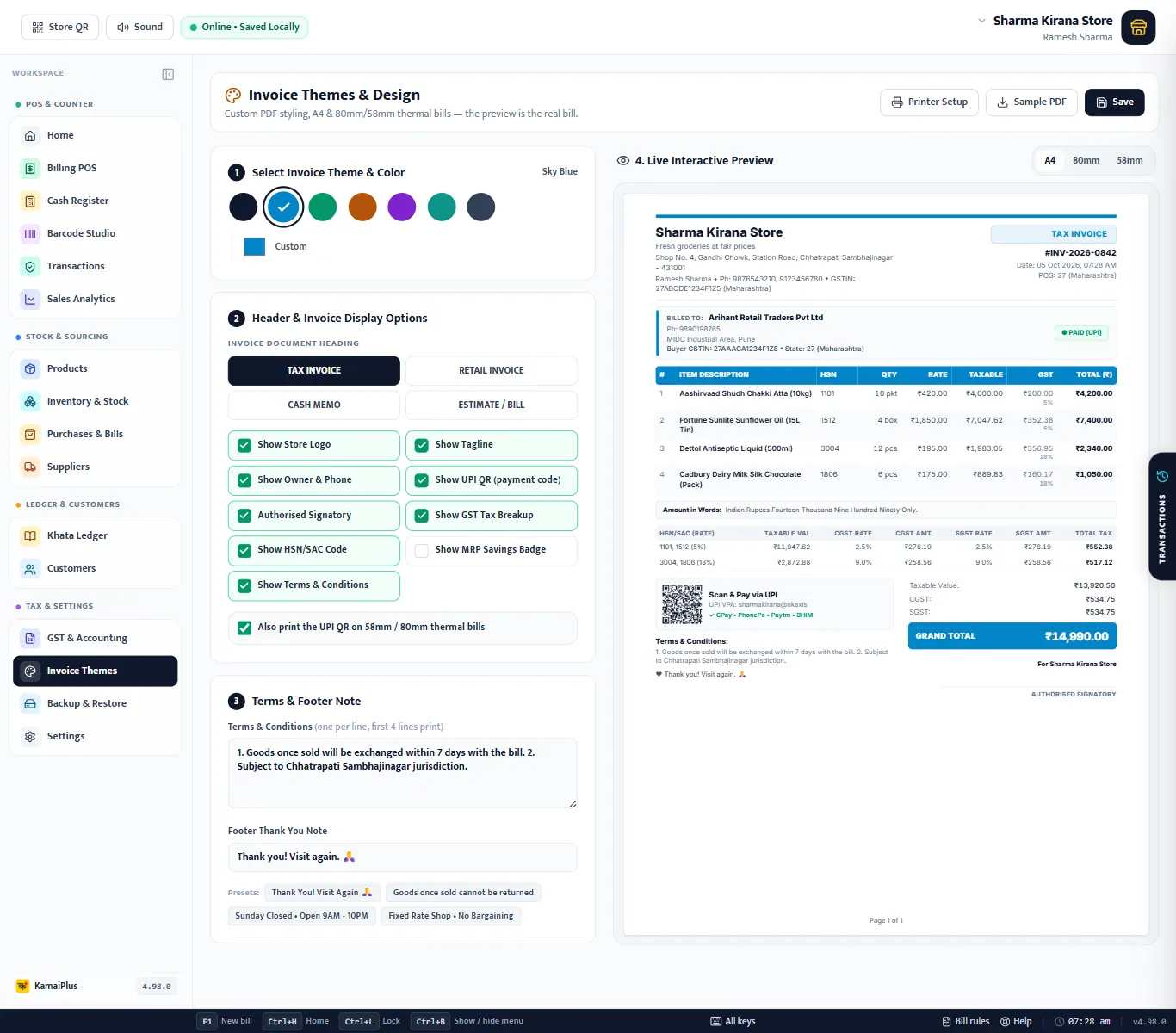
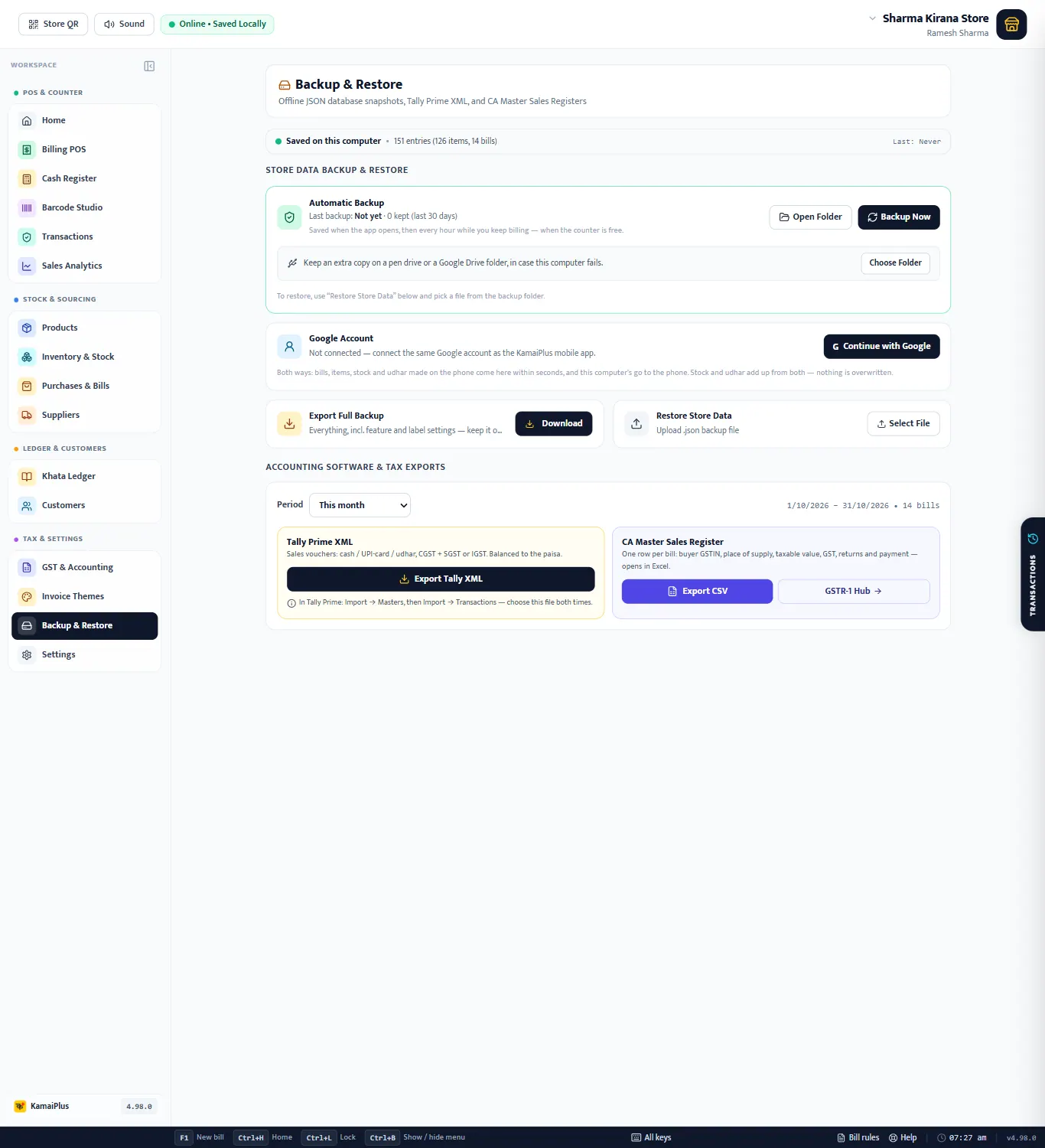
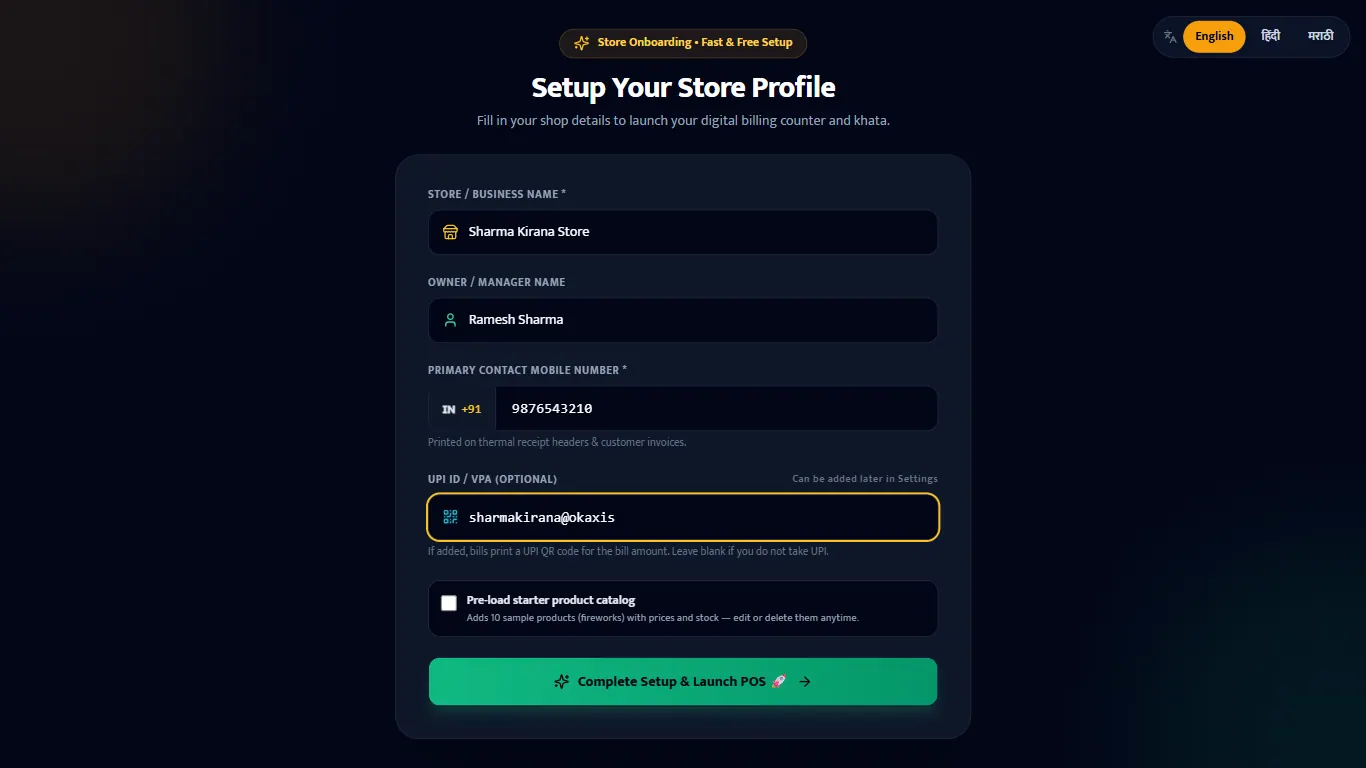
KamaiPlus Desktop guides, with real screenshots.
Every guide walks through one screen of the Windows app, field by field, with a worked example from a demo shop, Sharma Kirana Store (120 items, a full day of bills). Button names are exactly as they appear in the app.
No guide matches. Try another word, or WhatsApp us at +91 86699 97711.
Getting started 2
At the counter 3
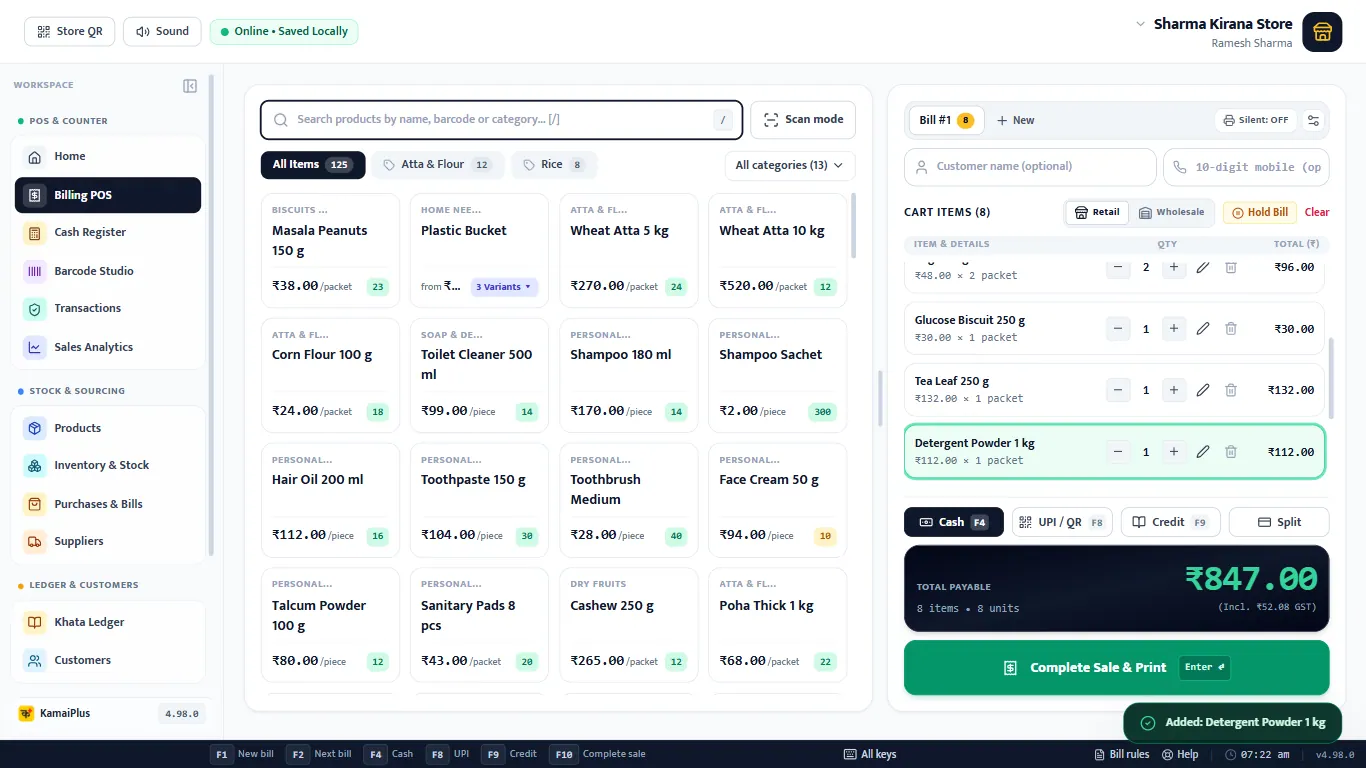
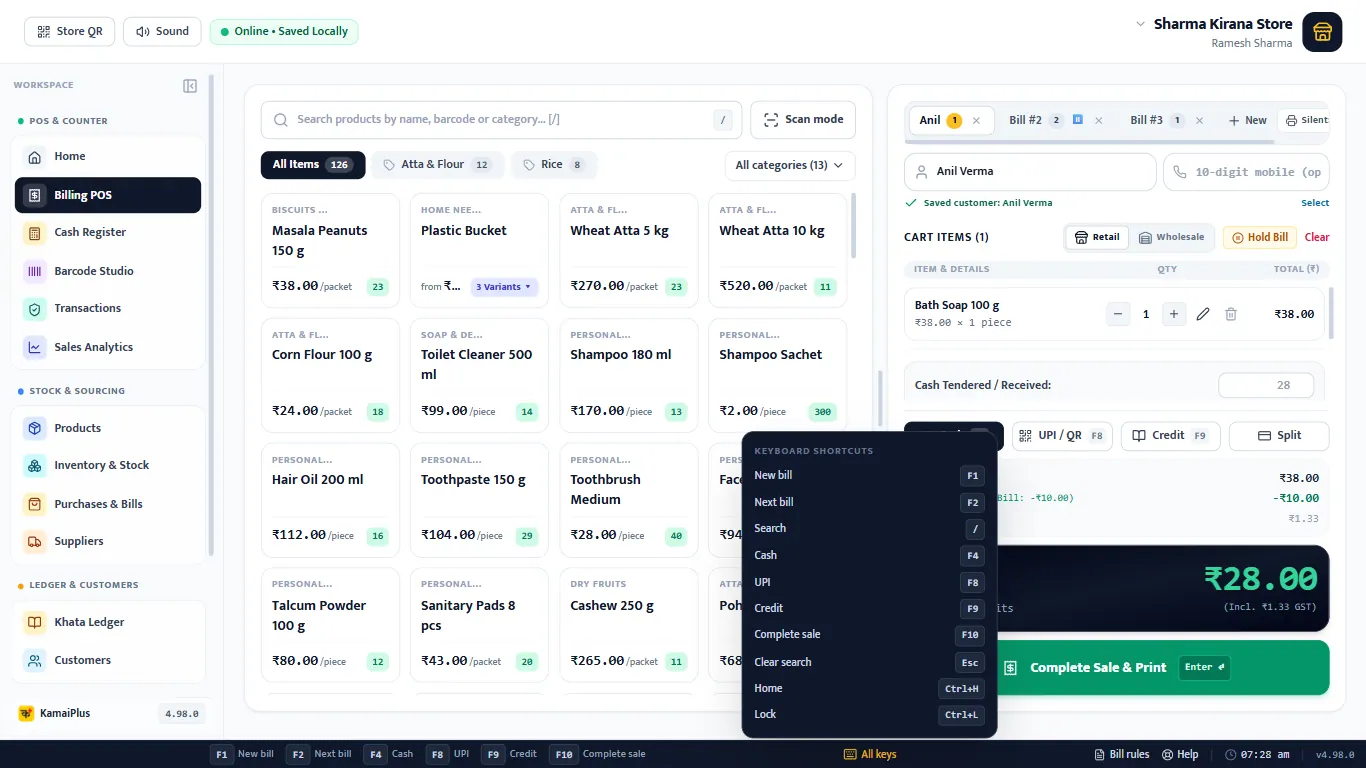
Make a bill at the counter
Search or scan, cash, UPI QR, udhar and split payment, discount, print and WhatsApp.
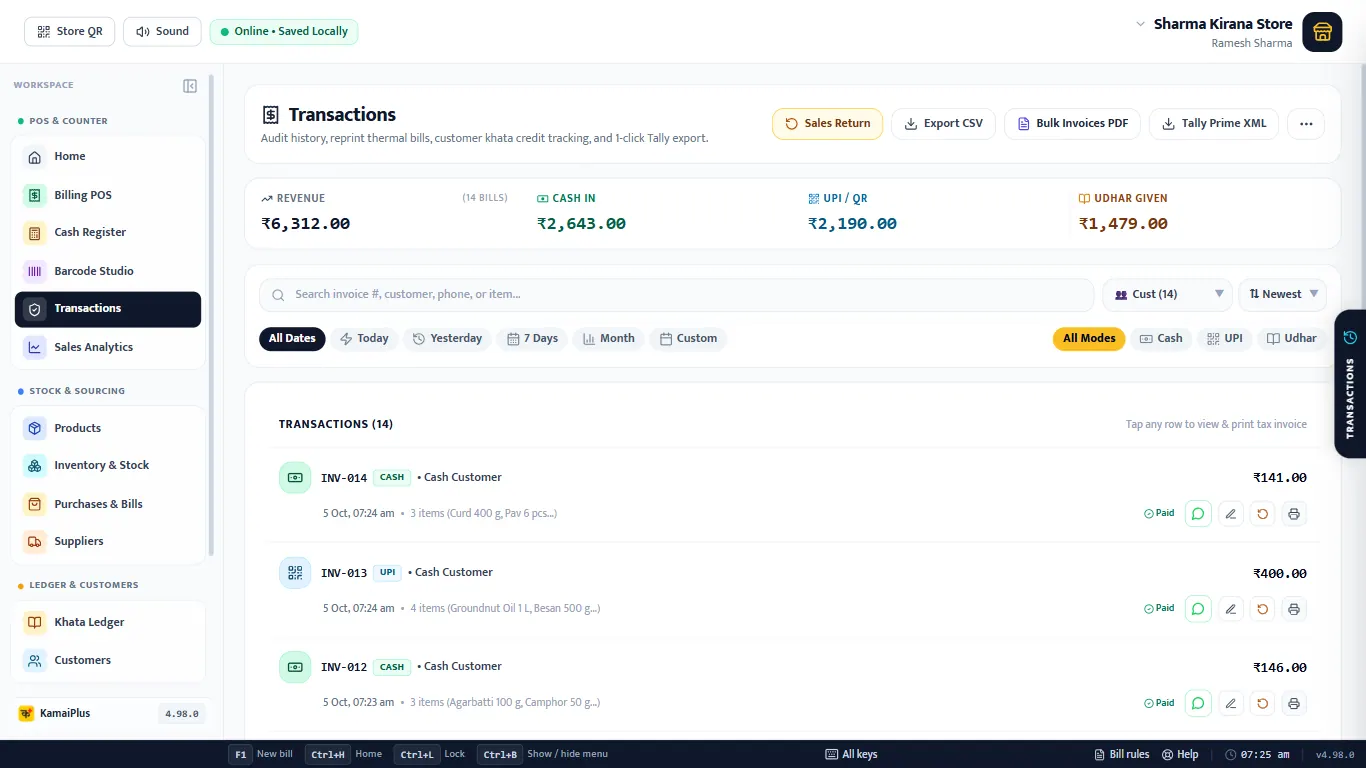
Find, edit and return bills
Transactions: filters, reprint, edit a bill, sales return and refunds, exports.
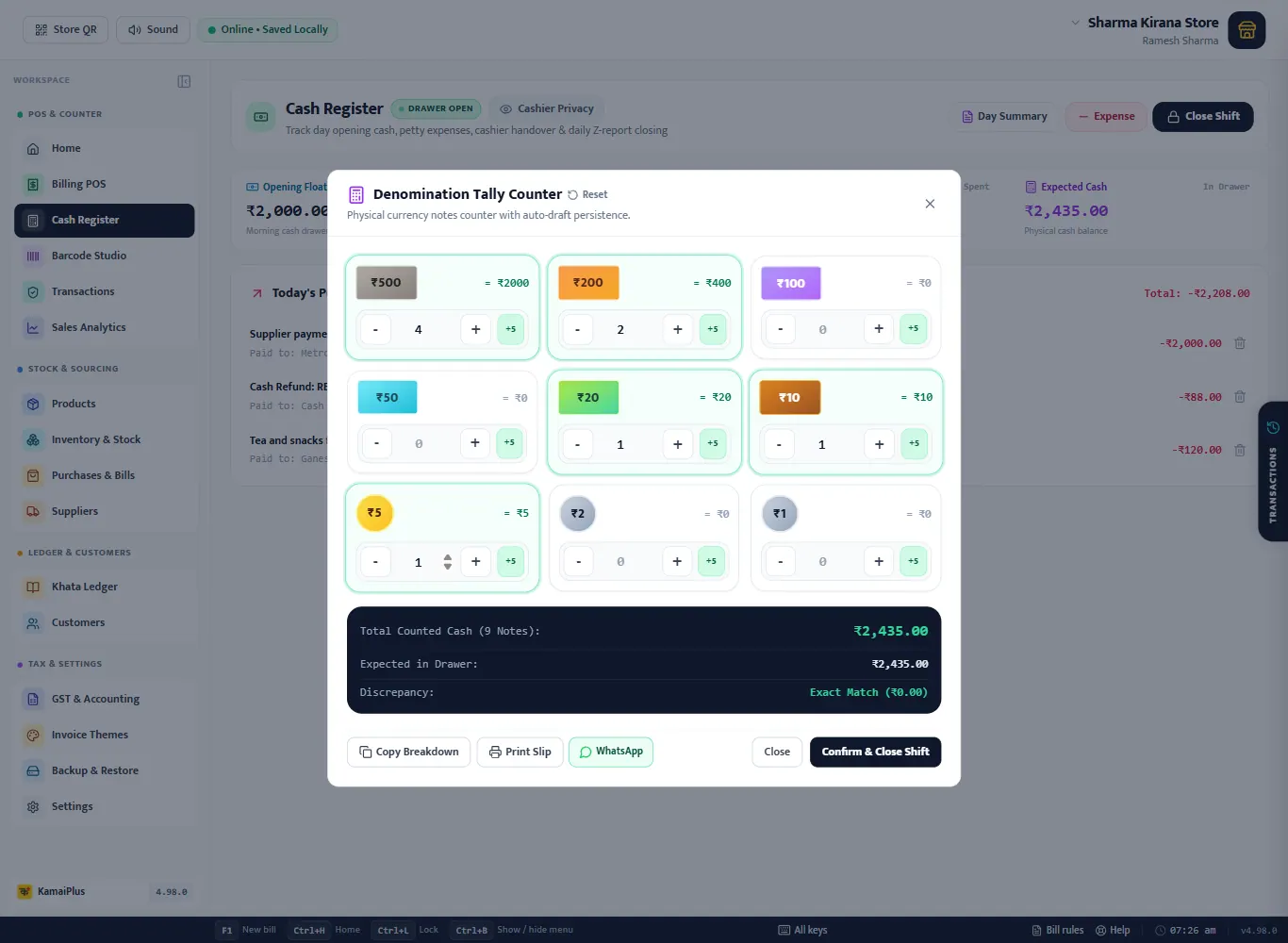
Cash register: open and close the day
Opening cash, expenses, counting notes and the day summary.
Items and stock 4
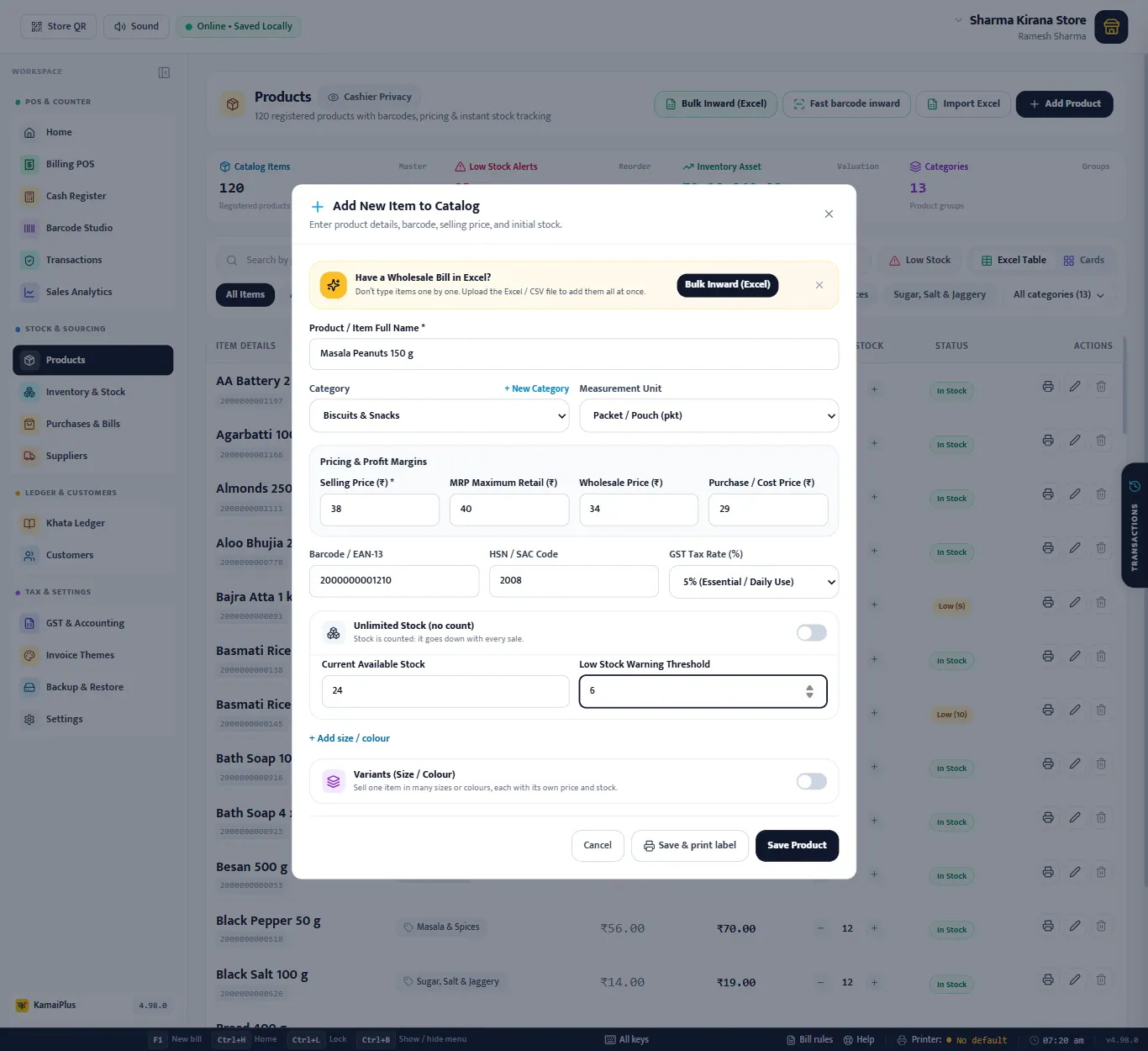
Add and edit products
Every field of the item form, units, GST, stock, variants and categories.
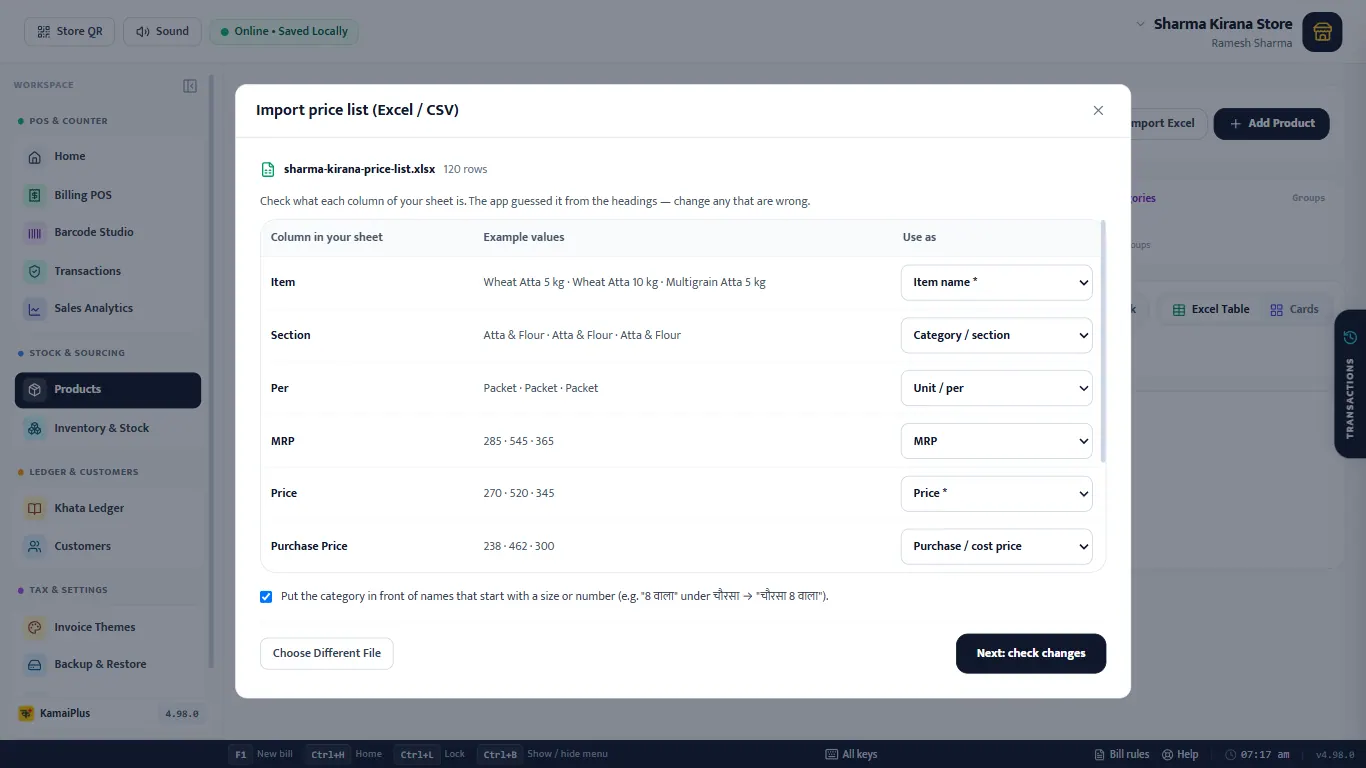
Import your price list from Excel
120 items in one go: columns, preview, import and price updates later.
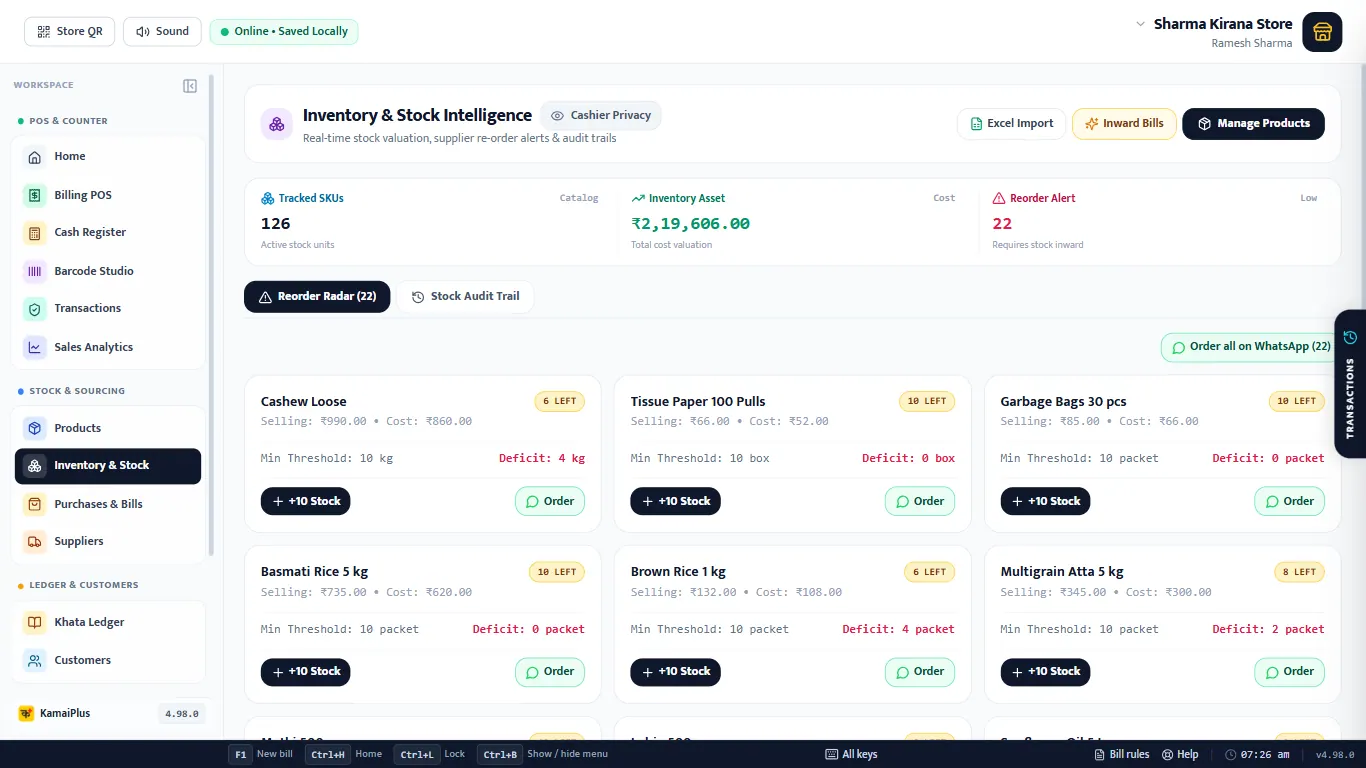
Stock, reorder list and audit trail
What is running low, quick restock, every stock movement and ordering on WhatsApp.
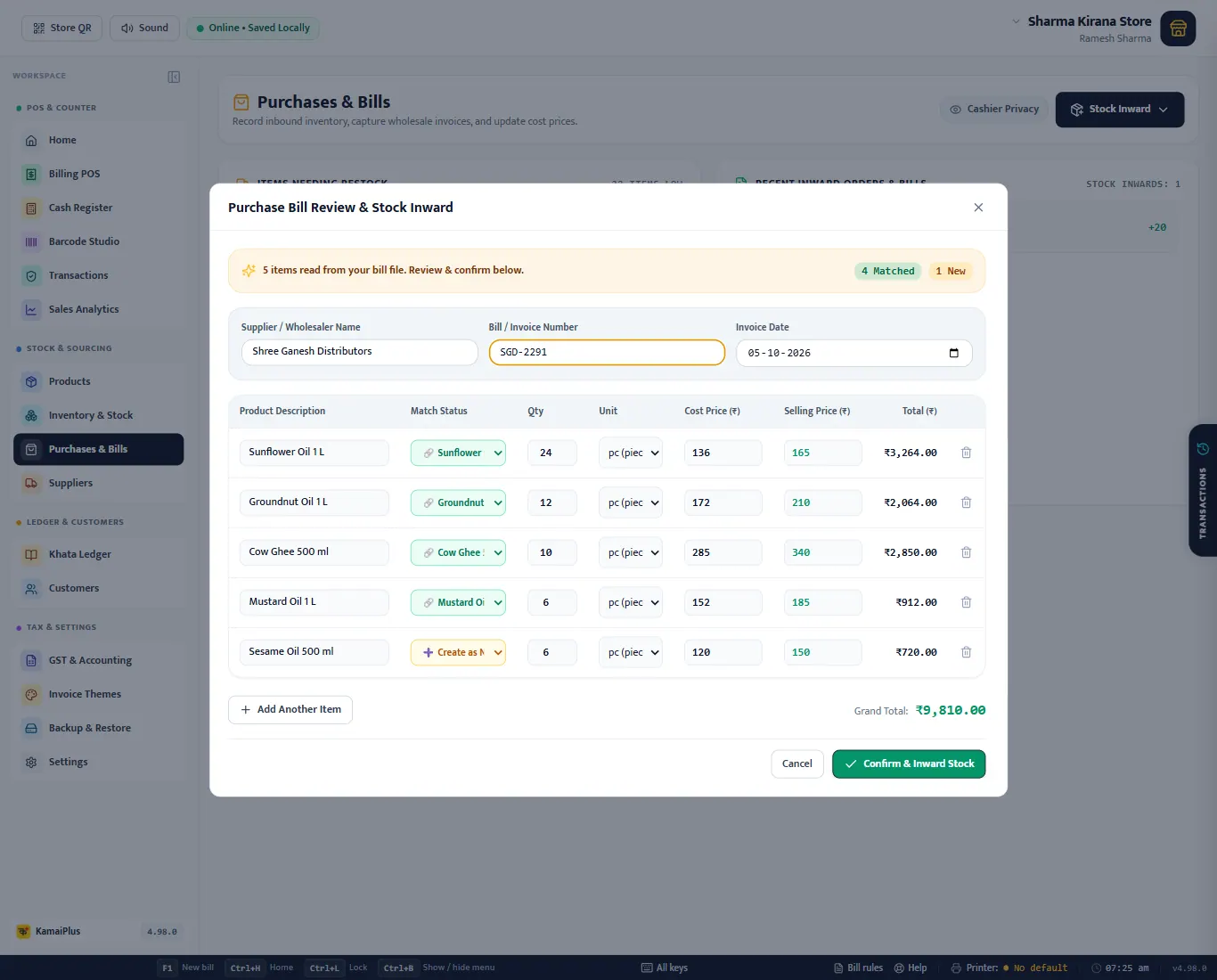
Purchases and suppliers
Stock inward, the supplier's Excel bill, buying on credit and paying suppliers.